MAHANAKHON RACING Map and Phone
Warp, phone apps, weather and Sun Mode, camera, mirrors, free cam, and storing your bike without losing the plot.
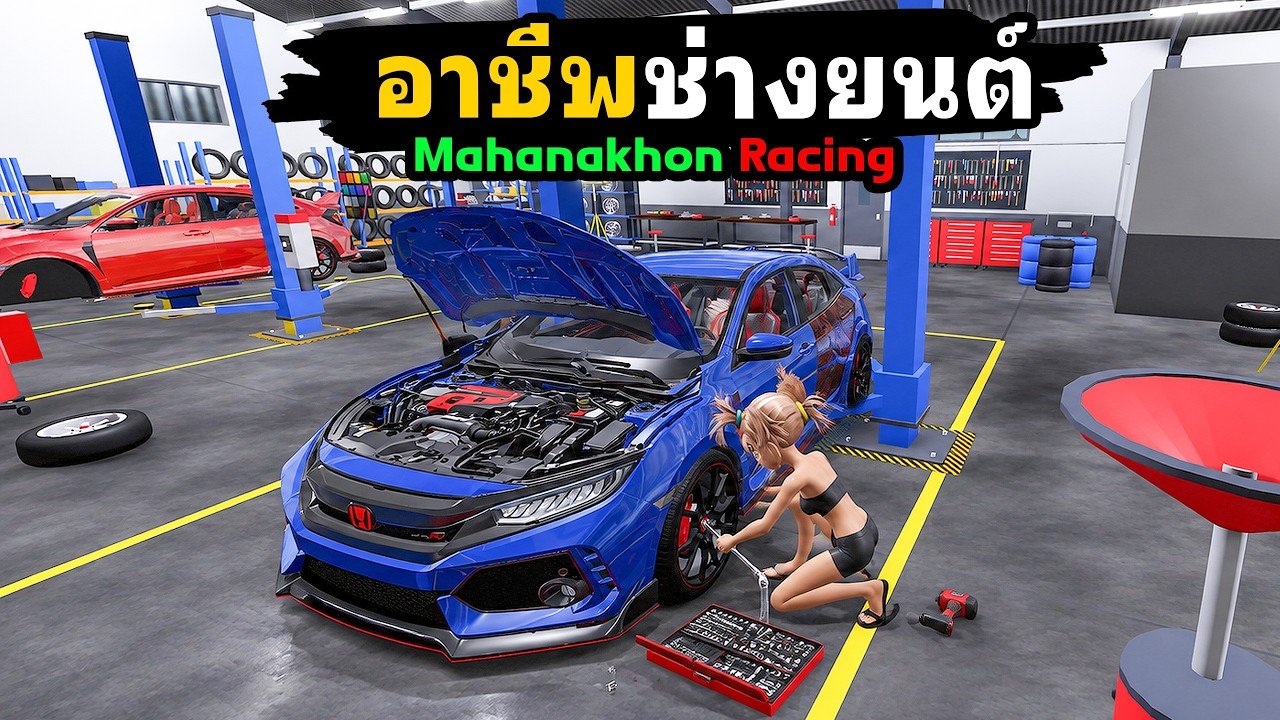
Getting across the city in MAHANAKHON RACING is half the hobby. The experience is a Thai motorcycle / scooter life Simulation: dense streets, job markers, customization points, and a phone that doubles as job board and comfort toolkit. This guide covers N warp, the F phone (including QuickRider and weather / Sun Mode), camera and mirror keys (V, M, Y), hold J to store the bike, and navigation habits that keep deliveries and tune runs calm.
If the bike still will not roll, fix startup on Getting Started and Controls before chasing warps. Courier steps in depth live on Delivery Jobs; this page is the map-and-UI companion.
Phone basics (F)
Press F to open the in-game phone. Expect Thai labels. Rely on icon positions more than translated words:
- QuickRider (bag / scooter / order list patterns) — accept food delivery work after you equip the Job Station courier uniform.
- Weather / environment controls — including Sun Mode style toggles that brighten or restyle lighting for readability.
- Other utility tiles may appear as patches land; re-check after Updates stamps.
Important separations:
- Phone ≠ Store. Promo codes redeem via Store (left) → Codes → ENTER CODE → Redeem, documented on Codes.
- Sun Mode ≠ pay boost. Lighting comfort does not multiply Cash. It only helps you see alley markers and night highways.
- Phone ≠ customize. Parts shops open with P at a marked customization point, not from a random phone tile.
When QuickRider refuses orders, the failure is usually uniform, accept gesture, or session state—not a missing warp. Use Delivery Jobs and Troubleshooting for those symptoms.
Warp with N
N opens warp / fast-travel style movement to known points. Use it to:
- Return to a Job Station after a long drop.
- Reach a customization district you already unlocked in your head.
- Rejoin friends’ general area when voice chat is unavailable (see Players for lobby tips).
Use it carefully when:
- A QuickRider order is active and you do not understand where the marker will land after teleport.
- You are teaching yourself the city for the first time—local riding builds memory warps cannot.
- You are mid-wheelie or mid-reverse; stop cleanly, warp, then remount with the full G → E → R → K → W chain if the bike state looks wrong.
Warp is a tool, not a replacement for brake practice. Players who only teleport between jobs often panic when a patch moves a marker two blocks off the usual pad.
Camera, mirrors, and free cam
| Key | Role | When it helps |
|---|---|---|
| V | Cycle view | Tight alleys, checking a green circle behind you |
| M | Mirrors | Lane awareness before lane changes on busy highways |
| Y | Free cam | Scouting a customize point or filming a clip |
Free cam (Y) is excellent for learning landmark silhouettes—bridges, pavilion-style restaurants, Job Station plazas—then returning to drive view for the actual route. Do not free-cam through an active handoff; complete the green circle in normal ride camera first.
If the camera clips into scenery after a crash, tap V before assuming the client broke. Mirror toggles that feel “stuck” usually need a second M press. Broader input failures belong on Troubleshooting.
Store the bike (hold J)
Hold J to store the bike. Use this when you:
- AFK at a Job Station or customize point.
- Need the sidewalk clear for a friend or a dense 25-player lobby.
- Are switching to phone menus for a long accept / weather tweak session.
To ride again: G spawn, E mount, R start, K kickstand, W go. Storing is not the same as dismount (Space). Dismount leaves the bike in the world; store removes the clutter. If G seems dead after a store, click the Roblox window for focus and try once more before rejoining.
Navigation habits that save sessions
Learn districts, not only markers
Markers move with jobs and patches. District memory—where Job Stations sit relative to highways, where customization points cluster—survives UI language barriers. After two or three Delivery Jobs routes, deliberately ride home without warping once.
Brake before you look
When checking the phone (F) or mirrors (M), shed speed first with S or Shift. Opening UI at full throttle in traffic is how deliveries become repair bills. Fuel and repair stay separate spends funded by Earn Cash loops.
Pair map tools with Cash goals
- Codes first on Codes when a November thank-you drop lands.
- Deliveries to learn roads.
- Warp to a customize point only when you already know which piston or exhaust you want (Customize and Tune, Tier List).
- Optional multipliers later (Game Passes) once navigation is no longer the bottleneck.
Thai UI survival on the move
| Intent | Prefer |
|---|---|
| Jobs / QuickRider | F + icons |
| Fast travel | N |
| Store bike | Hold J |
| View / mirrors / free cam | V / M / Y |
| Customize | Travel to point + P |
| Codes | Store panel, not phone |
Keep the Controls table pinned on a second screen during week one. Icon order beats guesswork mid-route.
Common map and phone mistakes
- Warping mid-order, then blaming the game when the green circle is “gone.”
- Expecting Sun Mode to raise delivery pay.
- Searching for codes inside the phone instead of Store.
- Dismounting with Space and wondering why the bike still blocks the Job Station—hold J to store.
- Free-cam sightseeing with an undelivered package and a nearly empty fuel tank.
- Skipping kickstand checks after a warp or store cycle.
Session drill (10 minutes)
- Spawn and complete one clean startup.
- Hold J to store, then G → E → R → K → W again.
- Press F, toggle Sun Mode or weather once, close the phone.
- N warp to a known point, then ride a short local loop without warping back.
- Cycle V, peek M, try Y free cam for five seconds, return to drive view.
- Run one QuickRider drop using only local roads.
- If anything fails, jump to Troubleshooting with the exact symptom.
Related pages
- Controls — full keyboard reference
- Delivery Jobs — QuickRider loop in depth
- Earn Cash — delivery plus mechanic income
- Getting Started — first-hour checklist
- Troubleshooting — phone, warp, and camera fails
- Codes — Store redeem, not phone
- Updates — UI changes after patches
- Guides Hub — index of every how-to
Map tools make MAHANAKHON RACING feel larger without feeling lost. Learn phone icons, warp with intent, store the bike when you step away, and keep camera keys in muscle memory—then Cash routes and customize runs stop fighting the HUD.
Frequently Asked Questions
Quick answers for MAHANAKHON RACING riders.
What does the phone (F) do in MAHANAKHON RACING?
It opens job apps such as QuickRider plus comfort tools like weather and Sun Mode. It does not redeem promo codes—that is Store → Codes.
When should I use warp (N)?
Use N to reach known Job Stations or customize districts. Avoid blind warps during your first deliveries until markers make sense.
How do I store my bike?
Hold J to store. Spawn again with G, mount with E, start with R, raise the kickstand with K, then hold W.
What are V, M, and Y for?
V cycles camera view, M toggles mirrors, and Y enables free cam for scouting or clips.
Does Sun Mode give more Cash?
No. Sun Mode and weather toggles improve readability and comfort. Delivery pay still depends on completing QuickRider steps.
Why did my job marker vanish after warping?
Teleporting mid-order can confuse objectives. Re-open the phone, re-accept if needed, or finish the next drop with local riding only.