Getting Started in MAHANAKHON RACING
Spawn, start, raise the kickstand, ride deliberately, then unlock Cash and customize.
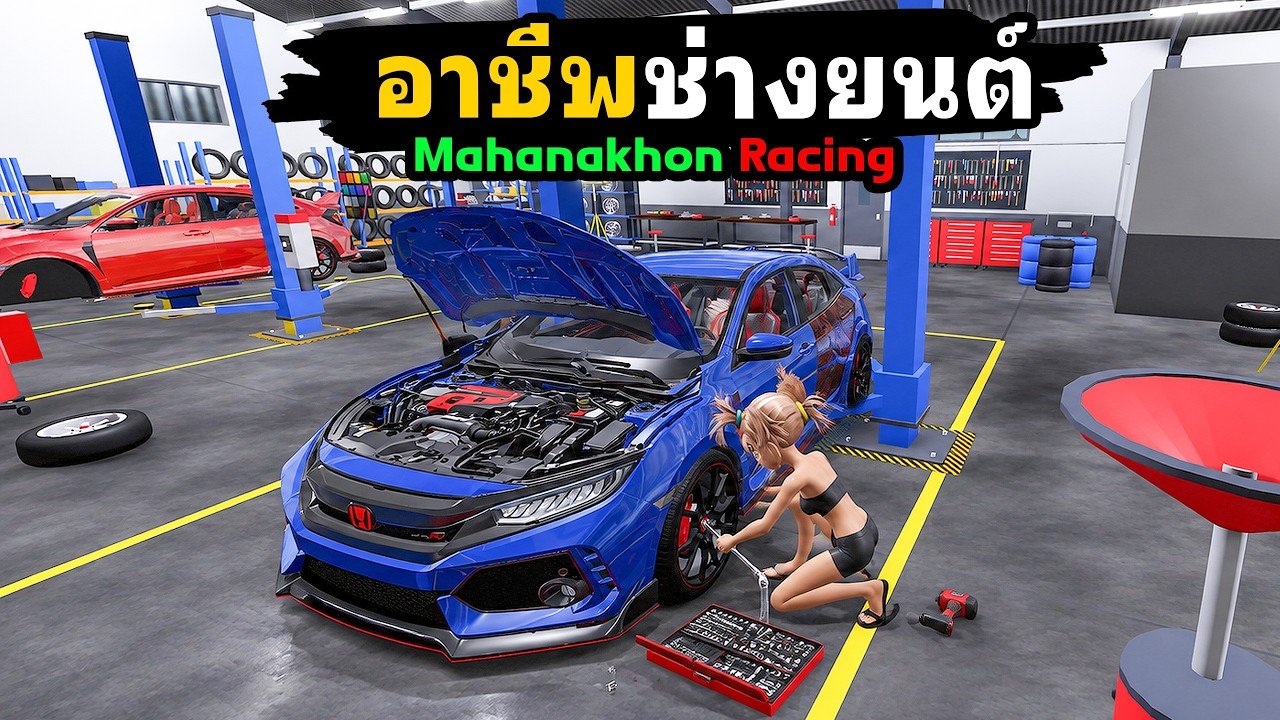
MAHANAKHON RACING dropped on Roblox as a Thai scooter and motorcycle life sim: free to play, Simulation genre, servers capped around 25 riders. The official game description prints the how-to list in Thai, which is why so many English searches ask how to start the bike at all. This guide gets you from join screen to a clean first ride, then points you at Cash, codes, and customize without skipping the kickstand.
If you only remember one line, remember this: G → E → R → K → W. Spawn, mount, start engine, raise kickstand, accelerate. Most “broken bike” reports are a missed K.
Before you spawn
Join from the official Roblox experience page. On first load you usually have starter Cash — community clips often show something near a few thousand Cash before codes. Open the bike / My Ride style menu when the UI offers it and pick a starter scooter if you have a choice. Classic Vespa-style scooters appear often in beginner videos and are enough for deliveries.
Because many UI labels are Thai, treat icon position and the English key list as your source of truth. Keep this page and the controls guide nearby until muscle memory sticks.
Official startup sequence
- Press G to spawn your motorcycle or scooter.
- Walk up to the bike and press E to mount.
- Press R to start the engine.
- Press K to raise the kickstand.
- Hold W to roll forward.
Do not mash W while the stand is down. Thai tip posts repeat the same warning: if W does nothing after the engine fires, check the kickstand first. When you want to stop for the first time, ease off W and use S or Shift to brake until you are fully stopped. Hold S while stopped if you need reverse to escape a wall or curb.
Practice one short loop: spawn → start → stand up → roll ten meters → full stop → reverse a meter → stop again. That deliberate stop matters more than an early wheelie.
First-ride goals (fifteen minutes)
Your first session should prove four skills, not empty the Cash shop.
- Clean start and stop using the sequence above.
- Steer with A / D without bouncing into props.
- Dismount with Space and remount with E so you trust the mount key.
- Open the phone with F and glance at weather / environment options such as Sun Mode if your build shows them.
Sun Mode (permanent daytime) shows up in beginner creator videos as a comfort toggle so city streets stay readable. It is optional; use it if night lighting makes navigation hard while you learn. Warp (N) can move you across the map later — leave long warps until after one successful local ride so you understand where you spawned.
Codes on day one
Promo codes grant free Cash and sometimes appear right on the Roblox description (for example community-tracked strings such as MAHANAKHON historically). Redeem path:
- Open the in-game Store control (often left side; some tips say check Settings if you cannot see it).
- Open the Codes tab.
- Type the string exactly into ENTER CODE and redeem.
Always verify live strings on the codes hub. Limited “first X thousand redeemers” drops expire fast. Codes are not the same as clip “tune codes” — those are parts recipes discussed on the customize and tune guide.
Jobs after you can ride
Once you can start and stop without panic, earn Cash properly:
- Find a Job Station and equip the food delivery uniform when the job requires it.
- Press F to open the phone and open the QuickRider delivery app.
- Accept / slide to confirm an order, pick up at the marked restaurant, follow the route, and park in the green delivery circle.
Creator walkthroughs show pickups such as a Curry Rice Pavilion style stop and rides of a few hundred meters through highways and alleys. Delivery boxes on the rear of scooters are common in those clips. Mechanic work is a second job path — details live in Earn Cash. Do not spend Robux packs before you understand the free Cash loop.
Customize only after Cash makes sense
Customization is not a global hotkey that works anywhere. Ride to a customization point, then press P. Early money is better spent on reliability and a part you understand than on every cosmetic. Community talk names piston sizes 62, 72, 80, and 90 plus exhaust and dyno screens — treat those as advanced reading on the customize guide and compare bikes on the tier list.
Fuel and repair are separate. Topping fuel will not fix damage, and a repair visit will not fill an empty tank. If something feels “broken,” read troubleshooting before buying more parts.
Camera, storage, and safety habits
- V cycles view; Y free cam for screenshots or clearing a bad angle.
- M toggles mirrors when you want street immersion.
- Hold J to store the bike when you are done instead of abandoning it in traffic.
- Hold Ctrl for wheelies only after you can brake; Q tucks for a lower profile.
- Use indicators (Z / C), hazards (X), horn (H), and decorative lights (L) when you roleplay street rides — they are listed on controls.
Servers are shared. Leave space for other riders, avoid blocking Job Station doors, and do not grief delivery green circles.
What to open next
| Goal | Page |
|---|---|
| Full key list | Controls |
| Delivery and mechanic Cash | Earn Cash |
| Pistons, exhaust, dyno | Customize and Tune |
| Bike will not move | Troubleshooting |
| Free Cash strings | Codes |
| All how-tos | Guides Hub |
Finish one deliberate ride, redeem any working codes, complete one QuickRider drop, then decide whether to tune. That order keeps Thai UI friction from eating your whole evening.
Frequently Asked Questions
Quick answers for MAHANAKHON RACING riders.
Why does W do nothing in MAHANAKHON RACING?
Complete G spawn, E mount, R start, then K to raise the kickstand before holding W. A down stand is the most common blocker.
How do I reverse?
Come to a full stop, then hold S. Shift is an extra brake key, not reverse by itself.
Where is QuickRider?
Press F for the phone, equip the delivery uniform at a Job Station when required, then accept orders in the QuickRider app.
Should I customize before my first job?
No. Learn startup and complete at least one delivery or code redeem so Cash and P-at-point shops make sense.
Is Sun Mode required?
No. It is a comfort weather / environment option shown in beginner videos. Use it if night streets are hard to read.