MAHANAKHON RACING Controls
Official-style keyboard map for startup, driving, lights, camera, phone, and customize.
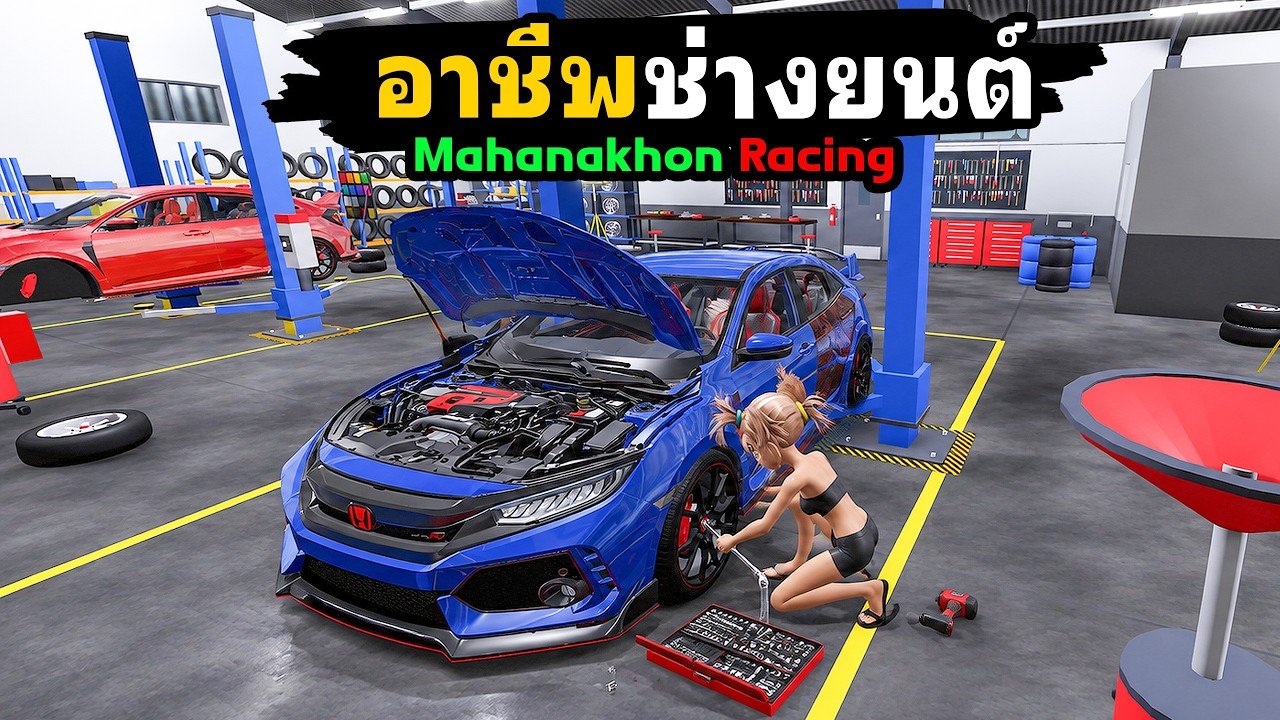
MAHANAKHON RACING publishes a full keyboard how-to on the Roblox game page, mostly in Thai. English players still need the same key list without guessing from icons. This page is that reference: startup, drive, lights, horn, and misc tools in one place. Pair it with Getting Started if you have never completed a ride, and with Troubleshooting when a key seems dead.
Mobile players use on-screen buttons that mirror these actions. Labels may stay Thai; match the function (spawn, mount, engine, kickstand, throttle) rather than the letter when you are on touch controls.
Startup controls
| Key | Action |
|---|---|
| G | Spawn the motorcycle / scooter |
| E | Mount when you stand next to the bike |
| R | Start the engine |
| K | Raise the kickstand |
| W | Accelerate / leave once the stand is up |
Order matters. Spawn with G, walk to the bike, mount with E, start with R, raise the stand with K, then hold W. If you skip K, W often feels broken. That single miss drives most support questions on day one.
Drive controls
| Key | Action |
|---|---|
| W | Accelerate |
| S | Brake; hold while fully stopped to reverse |
| Shift | Brake |
| A / D | Steer left / right |
| Ctrl (hold) | Wheelie |
| Q | Tuck / crouch on the bike |
| Space | Dismount |
Brake planning beats panic wheelies. Practice S and Shift in an empty lot before you hold Ctrl into traffic. Reverse only engages after a complete stop — tapping S while rolling just slows you down. Q tucks the rider for a lower profile; it is not a second brake. Space always means get off the bike, so do not bind muscle memory from other Roblox games that use Space to jump while seated.
Lights and horn
| Key | Action |
|---|---|
| Z | Left indicator |
| C | Right indicator |
| X | Hazard lights |
| H | Horn |
| L | Decorative lights |
These keys are immersion and roleplay tools, not speed cheats. L decorative lights are separate from the P customize menu. If you want underglow or show lighting, try L first; if you want parts and shop options, ride to a customization point and press P as explained in Customize and Tune.
Misc tools
| Key | Action |
|---|---|
| V | Change camera / view |
| M | Mirrors |
| P | Customize (only at a customization point) |
| N | Warp |
| F | Phone |
| J (hold) | Store the bike |
| Y | Free camera |
Phone (F)
F opens the in-game phone. From here players open job apps such as QuickRider for food delivery, and environment / weather options including Sun Mode in beginner videos. Job Cash steps are expanded in Earn Cash. Do not confuse the phone with the Store codes panel — codes still go through Store → Codes on the codes hub.
Warp (N)
N opens warp. Use it after you understand your spawn area so you are not lost every hop. Warping does not replace learning brake and kickstand discipline.
Customize (P)
P only works at marked customization points. Standing in a random alley and mashing P will not open the shop. Reach the point first, then press P. That location rule is official on the game description.
Store bike (J hold) and cameras
Hold J to put the bike away when you are done. V cycles practical views; Y free cam helps when the default angle clips through walls or other players. Mirrors (M) are optional flavor for street riding.
Thai UI pain points mapped to keys
When menus are Thai, use this translation layer:
- Need a bike in the world → G, then walk and E
- Engine silent → R
- Bike will not roll → K then W
- Want reverse → full stop, hold S
- Want jobs / weather phone → F
- Want shop parts → travel to customize point → P
- Want free Cash strings → Store → Codes, not the phone
If a key does nothing, confirm focus is on the game window, you are mounted when the action requires it, and you are at the required location for P. Then open troubleshooting.
Practice drills
- Startup drill: G E R K W five times in a row without looking at this table.
- Brake drill: accelerate, full stop with S, reverse two meters, stop, go.
- Stunt drill: short Ctrl wheelie, release, stabilize, Q tuck on a straight, Space dismount, remount.
- Utility drill: F phone open/close, V view swap, hold J store, G spawn again.
- Shop drill: N or ride to a customize point, P open, exit without buying if Cash is low.
Related guides
- Getting Started — first-session checklist and Sun Mode context
- Earn Cash — QuickRider and mechanic loops that start from F and Job Stations
- Customize and Tune — what to do after P opens
- Troubleshooting — symptom fixes when inputs fail
- Guides Hub — full how-to index
- Tier List — what to buy after you can ride
Print or pin this page. The official Roblox description is the authority for key bindings; when patches rename a menu, the letters above are still the fastest recovery path for English-speaking riders.
Frequently Asked Questions
Quick answers for MAHANAKHON RACING riders.
What is the MAHANAKHON RACING startup sequence?
G spawn, E mount, R start engine, K raise kickstand, then W to go.
How do I reverse the bike?
Brake to a complete stop with S or Shift, then hold S to reverse.
Why does P not open customize?
P only works at a customization point. Ride there first; L is decorative lights, not the shop.
What does F open?
The phone. Use it for QuickRider jobs and weather / environment options such as Sun Mode when available.
How do I store my motorcycle?
Hold J. Use G later when you want to spawn it again.